What’s inside a Gitcommit?
A Fun Introduction to Git Internals
Git keeps track of files snapshotted at the same time, and bundles them together in a container called a commit. Sprinkle in some metadata — such as the author, date, and a message — and that's all there is to it.
No commits yet
It's a simple concept, but what's really going on behind-the-scenes in Git's object store when we make a commit? Let's demystify Git's surprisingly simple data model to find out.
Open up the .git/ folder in the root of your project directory to enter the Git underworld. Everything that Git stores or manipulates is found here.
Hover over the files and folders in the graphic below to learn about what Git stores in the .git/ folder:
Hover or tap any entry to see what it is. Open objects/ to keep going.HEAD: A pointer to the branch you are on right now. Usually one line: "ref: refs/heads/main"config: Settings for the repository. Its remotes, branches, and anything else you set with "git config --local".description: A one-line name for the repo, read only by GitWeb. Almost every project leaves it exactly as Git wrote it.hooks/: Scripts Git can run before/after certain actions. By default, files in this folder are just disabled examples.index: The staging area. A binary file listing every path that will go into your next commit.info/: Local repo settings that are not meant to be committed, such as an exclude file that ignores paths without touching .gitignore.logs/: A record of everywhere your branches have pointed. This is what "git reflog" reads when you need to roll something back.objects/: The object database. Click to learn more.refs/: Branch and tag names. Each file in this folder holds the hash of the commit its branch points at.
Commits ultimately live inside the objects/ directory, or what Git calls the object database, so
we'll focus there for today.
Everytime you stage & commit changes, Git runs your file through a hashing algorithm. The resulting hash key (aka. a checksum) is now associated with that specific file change. These content/hash pairings are called blobs.
style.css34 bytes
Edit the file if you like, then stage and commit it.
Each time you stage & commit a new version of your file, Git's hashing algorithm will produce and store a new entry in the object database. Try modifying the file above and see how its checksum changes.
But there's more to Git than just blobs...
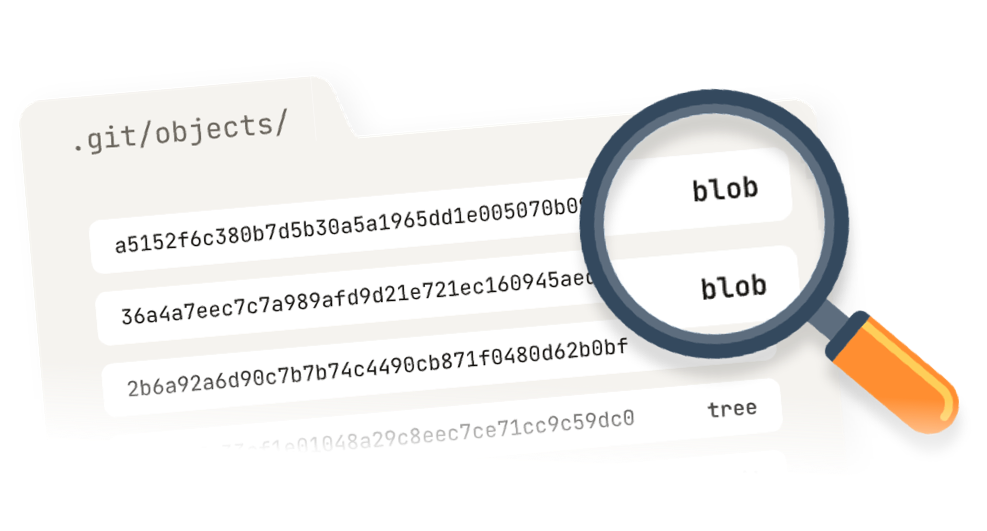
The contents of the object database below represent a single commit from a project. Try hovering over the object files and inspecting their contents:
Hover a file to read it
Objects are just files on disk. The checksum you see is its filename.
Use git cat-file --batch-check --batch-all-objects to list your repo's objects.
You'll notice that in addition to blobs, Git stores 2 other types of objects:
- blob Content within files
- tree Filenames and object groupings
- commit Snapshots with metadata
Together these 3 object types make version control possible. Notice how these objects reference eachother by hash key:
tree author Jack Lot <jack@learngit.io> 1787865638 -0400 committer Jack Lot <jack@learngit.io> 1787865638 -0400 initial commit
Click the hash to follow the commit to its tree.
Starting with a commit object, you can walk backwards via tree objects to discover all the file changes (i.e. blob objects) contained within that commit. Notice that trees associate blobs with filenames. Blobs themselves don't store filenames.
Click through the scenario below to see when Git creates these different object types:
# Click (>) to run the first command
Nothing stored yet.
In real Git projects, these object files are compressed before storage.
Use git cat-file -p [filename] to read them.
Constructing these objects, then using their relationships to one another, is how Git understands your project over time.
Besides some small bits-and-pieces — such as object compression — the big thing missing from this explanation is branches!
How does Git link commits? What about parallel branches or merging? For clarity I've purposefully left these things out, but the upcoming essay will cover these topics.

If you can't wait, you can get real-life practice with these concepts now on LearnGit.io.